
Read time: 14 min | Last updated: January 2026
Here's the problem with most "best AI email writer" articles: they list 15 tools that all sound the same. "Uses AI to write emails faster." Great. But a sales team running outbound campaigns has completely different needs than a professional trying to get through their inbox efficiently.
This guide takes a different approach. We'll break down AI email tools by what they're actually built for, because the "best" tool depends entirely on your situation.
TL;DR: Best AI Email Writers by Use Case
| Tool | Best For | Starting Price | Why It Fits |
|---|---|---|---|
| Ayari | Anyone managing a busy inbox | $12.99/month | Batch draft replies through conversation, context-aware personalization |
| Copy.ai | Sales teams running campaigns | Free / $29/month | Campaign workflows, brand voice, team collaboration |
| Jasper | Marketing teams creating content | $69/month | Long-form marketing content, brand consistency |
| ChatGPT | Anyone who needs a free starting point | Free / $20/month | General-purpose, highly flexible |
| Grammarly | Writers who need polish + AI drafting | Free / $12/month | Grammar, tone, and AI suggestions in one |
| MailMaestro | Quick replies inside Gmail/Outlook | Free / $12/month | One-click professional responses |
| QuillBot | Students and budget users | Free / $8.33/month | Paraphrasing and basic email drafting |
| Rytr | Budget-conscious users | Free / $9/month | Affordable AI writing with templates |
| Anyword | Data-driven marketing teams | $49/month | Predictive performance scoring |
The Real Question: What Problem Are You Solving?
Before comparing features, identify your actual situation:
Scenario A: "I run sales/marketing campaigns and need to write lots of similar emails" → You need a copywriting platform (Copy.ai, Jasper, Anyword)
Scenario B: "I'm drowning in my inbox and need help responding to emails faster" → You need an email assistant that connects to your inbox (Ayari, MailMaestro)
Scenario C: "I occasionally need help drafting an email" → A general AI tool works fine (ChatGPT, Grammarly, QuillBot)
1. Ayari – Best for Conversational Email Management
Most AI email tools make you work in a copy-paste loop: open ChatGPT, describe what you need, copy the output, paste it into your email client. Ayari eliminates that friction entirely.
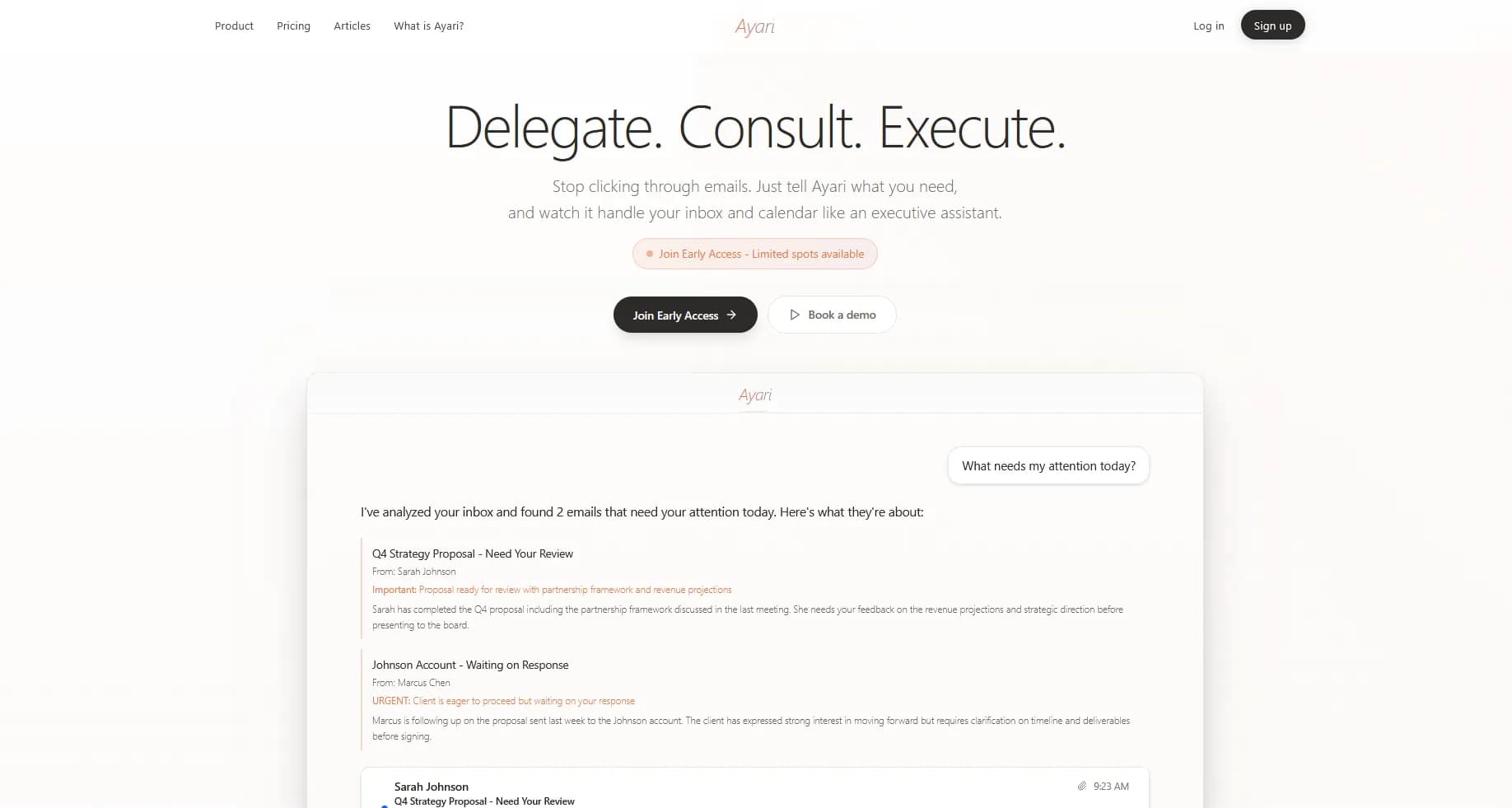
Ayari connects directly to your inbox and lets you manage email through natural conversation. Ask "draft replies to my important emails" and you'll get personalized responses ready to review and send. Not generic templates, but replies that understand who you're talking to and what the conversation is about.
Key Features
- Built-in email panel: View, draft, edit, and send emails without leaving the app. No copy-paste workflow, no context switching between tabs
- Batch draft replies: Ask for drafts to all your important emails at once. Ayari generates them in your voice, ready for quick review and send
- Context-aware personalization: Every draft considers who the sender is, your relationship history, and the specific conversation thread
- Natural conversation interface: No menus or buttons to learn. Just describe what you need: "Show me emails from clients this week and draft follow-ups"
- Thread summaries: Instantly understand long email chains without reading every message
- Actually executes: With your approval, Ayari sends emails, not just drafts text for you to copy
- Calendar integration: Scheduling happens in the same conversation as email
Pros
- Genuine time savings: Batch processing multiple emails through conversation is dramatically faster than one-by-one drafting
- Personal, not generic: Drafts read like you wrote them because they're based on actual context, not just prompts
- Unified workspace: Email, calendar, and connected tools in one place
- Works with Gmail and Outlook: Not locked into one ecosystem
Cons
- No free tier: Free trial only
- Requires inbox connection: Not a copy-paste tool, must connect your email
Pricing
Starting at $12.99/month.
Best For
Anyone who wants to spend less time on email, from students juggling applications and group projects to executives managing packed inboxes. If you've tried ChatGPT for email and found the copy-paste workflow tedious, Ayari solves that problem.
2. MailMaestro – Best for Quick One-Off Replies
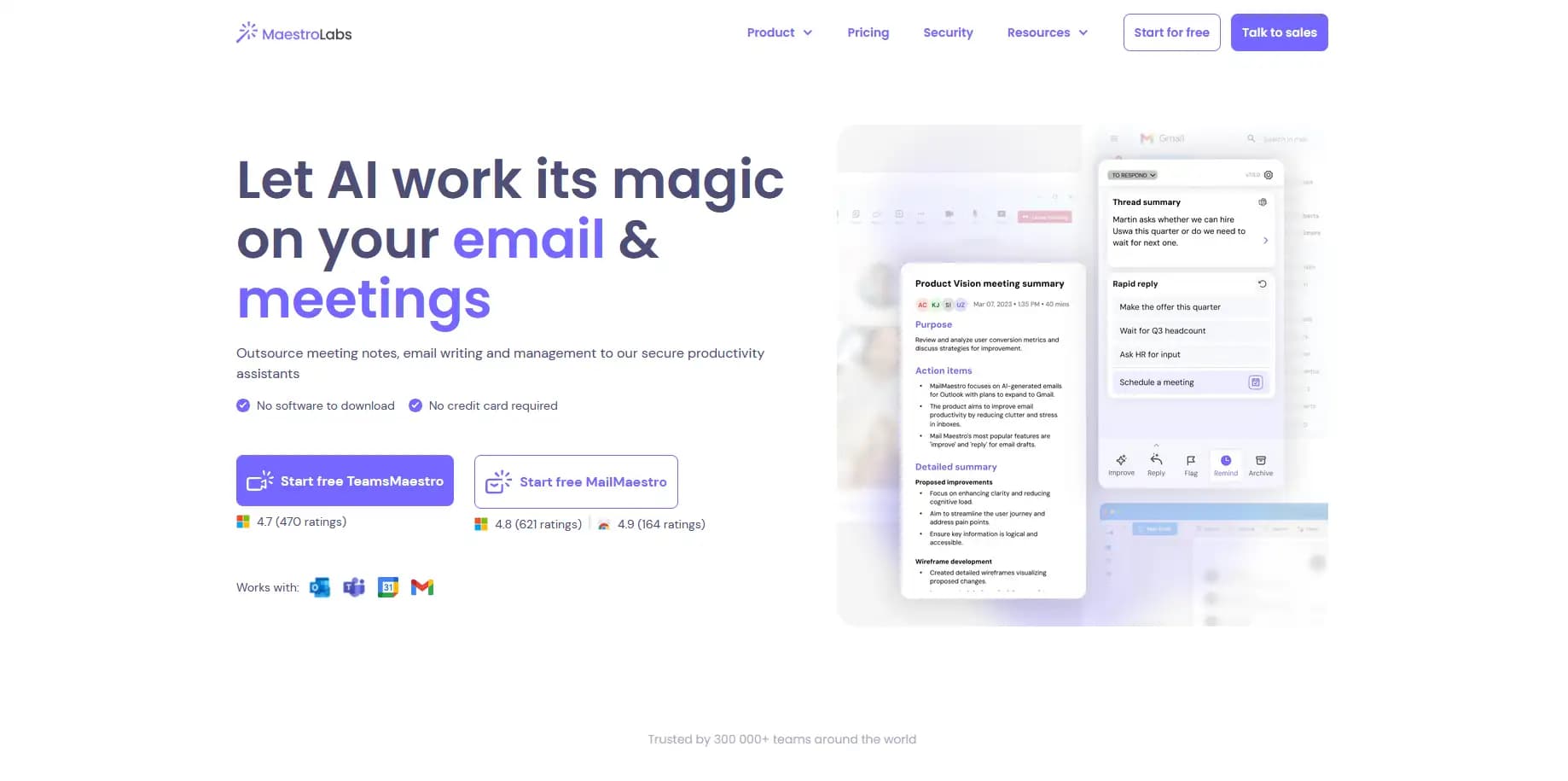
MailMaestro lives inside your Gmail or Outlook as an add-in. When you're replying to an email, it generates a professional response based on the message you received.
It's simpler than Ayari (no batch processing or conversational interface) but effective for quick, individual replies.
Key Features
- One-click reply generation: Reads the email you're responding to and drafts a reply
- Tone selection: Formal, friendly, assertive, or custom
- Multilingual support: Draft in multiple languages
- Works in your existing client: No new app to learn
Pros
- Zero learning curve: Just click the button when replying
- Good output quality: Drafts are professional and appropriate
- Affordable: Free tier available, Pro at $12/month
Cons
- One email at a time: No batch processing
- Reply-focused: Doesn't help with inbox triage or prioritization
- Limited personalization: Less context-aware than conversational tools
Pricing
Free tier with limited generations. Pro at $12/month.
Best For
Professionals who occasionally need help crafting a response but don't want to change their workflow. Works well alongside your normal email routine.
3. Copy.ai – Best for Sales Teams
Copy.ai started as a copywriting tool and has evolved into a full workflow platform for go-to-market teams. It's built for creating campaign content, not managing your personal inbox.
Key Features
- 30+ email templates: Cold outreach, follow-ups, newsletters, and more
- Brand voice training: AI learns your company's tone and style
- Workflow automation: Chain multiple AI actions together
- Team collaboration: Shared templates, approvals, and consistent messaging
- CRM integrations: Connect with Salesforce, HubSpot, and others
Pros
- Purpose-built for campaigns: Templates designed for sales and marketing use cases
- Brand consistency: Voice training prevents generic-sounding copy
- Team-friendly: Collaboration features for coordinated outreach
- Generous free tier: 2,000 words/month free
Cons
- Overkill for personal email: Built for campaigns, not inbox management
- Learning curve: Workflow features take time to master
- Pricing jumps quickly: Free to $29/month is a big leap
Pricing
Free tier (2,000 words/month). Pro at $29/month.
Best For
Sales and marketing teams running outbound campaigns who need consistent, on-brand email copy at scale. Not the right choice for individual professionals managing their inbox.
4. Jasper – Best for Marketing Content
Jasper is a comprehensive AI content platform. While it can write emails, it's really designed for marketing teams creating all types of content: blog posts, social media, landing pages, and yes, email campaigns.
Key Features
- Brand voice and knowledge: Train Jasper on your company's style and facts
- Long-form capabilities: Handles everything from subject lines to full campaigns
- Template library: Pre-built frameworks for common email types
- Chrome extension: Generate content anywhere you're writing
- Team workspaces: Collaborate on content creation
Pros
- Versatile: Same tool for emails, blogs, ads, and more
- Strong brand consistency: Extensive training options
- High-quality output: Generally produces polished, professional copy
- Regular updates: Jasper ships new features frequently
Cons
- Expensive: $69/month minimum, no free tier
- Generalist tool: Not specialized for email specifically
- Feature overload: Many capabilities you may not need for just email
Pricing
Starts at $69/month. Business pricing available.
Best For
Marketing teams who need AI assistance across multiple content types, not just email. If you're only looking for email help, Jasper is more than you need.
5. Anyword – Best for Data-Driven Campaigns
Anyword's differentiator is predictive performance scoring. Before you send an email, it predicts how well the copy will perform based on historical data. For teams optimizing conversion rates, this is valuable.
Key Features
- Predictive performance scores: AI rates your copy's likely effectiveness
- A/B variation generation: Create multiple versions to test
- Brand voice profiles: Maintain consistency across campaigns
- Analytics integration: Learn from what actually performs
- Email-specific templates: Subject lines, body copy, CTAs
Pros
- Data-driven decisions: Performance predictions reduce guesswork
- Optimization focus: Built for improving conversion rates
- Actionable insights: Learn what works in your copy
Cons
- Expensive: Starts at $49/month
- Campaign-focused: Not for personal inbox management
- Requires volume: Predictions improve with more data
Pricing
Starts at $49/month.
Best For
Marketing teams who obsess over email performance metrics and want AI that helps optimize, not just generate. Overkill for most individual users.
6. ChatGPT – Best Free Starting Point
You probably already know ChatGPT. For email, it's a capable general purpose tool. Describe what you need, and it generates draft text. The workflow is manual (copy-paste), but it's free and flexible.

Key Features
- Conversational interface: Describe what you need in natural language
- Context retention: Remembers earlier conversation for follow-up requests
- Tone flexibility: Adjust formality, length, and style with prompts
- Free tier: Capable AI available at no cost
- Custom instructions: Set default behaviors for email drafting
Pros
- Free and accessible: No payment required to start
- Highly flexible: Can write any type of email with the right prompt
- Constantly improving: OpenAI ships updates regularly
- Good for learning: Helps you understand what AI can do
Cons
- Manual workflow: Copy-paste for every email
- No email context: Doesn't know your inbox, contacts, or history
- Generic without effort: Requires good prompts for personalized output
- No batch processing: One email at a time
Pricing
Free tier available. Plus at $20/month for advanced features and priority access.
Best For
Anyone who occasionally needs help drafting an email and doesn't want to pay for specialized tools. Also good for learning what AI email assistance feels like before committing to a dedicated solution.
7. Grammarly – Best for Writing Improvement + AI
Grammarly started as a grammar checker but now includes AI writing features. If you already use Grammarly for proofreading, the AI drafting is a natural addition.
Key Features
- Grammar and spelling: Core proofreading capabilities
- Tone detection: Identifies how your writing sounds
- AI drafting: Generate text from prompts
- Browser extension: Works across web-based email clients
- GrammarlyGO: AI assistant for rewriting and generating
Pros
- Two-in-one: Writing improvement and AI generation in one tool
- Works everywhere: Browser extension catches you across apps
- Trusted brand: Established reputation for quality
- Free tier: Basic features available free
Cons
- AI features require premium: Full AI capabilities need paid plan
- Not email-specific: General writing tool, not inbox-focused
- Can be intrusive: Constant suggestions may slow you down
Pricing
Free for basic grammar. Premium at $12/month. Business plans available.
Best For
Writers who want grammar checking and AI assistance in one tool. If you already pay for Grammarly, the AI features are a logical addition.
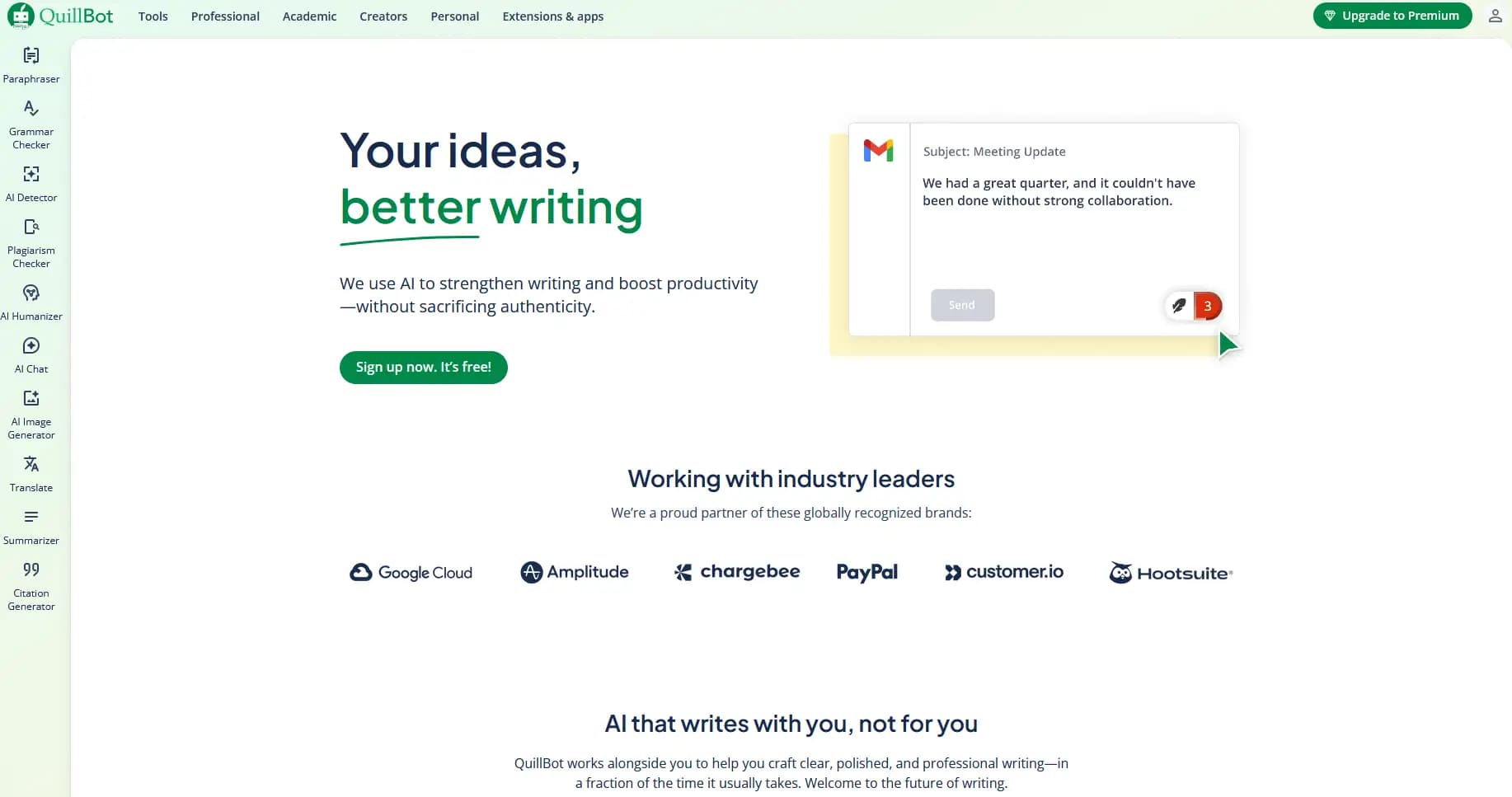
8. QuillBot – Best Free Option
QuillBot is primarily a paraphrasing tool, but it includes an AI email writer. For students and budget-conscious users, it's a solid free option.
Key Features
- Paraphraser: Rewrite text in different styles
- AI email writer: Generate emails from simple prompts
- Grammar checker: Basic proofreading included
- Summarizer: Condense long text
- Free tier: Generous free usage
Pros
- Free and functional: Useful email drafting at no cost
- Multiple tools: Paraphrasing, summarizing, and writing in one
- Simple interface: Easy to use without learning curve
- Multi-language: Supports several languages
Cons
- Basic compared to paid tools: Less sophisticated output
- Not email-specialized: General writing tool
- Ads on free tier: Interruptions without payment
- Limited customization: Less control over output style
Pricing
Free with limits. Premium at $8.33/month.
Best For
Students and budget users who need occasional email help without paying for premium tools.
9. Rytr – Best Budget AI Writer
Rytr is an affordable AI writing tool with templates for various content types, including emails. At $9/month for unlimited generation, it's one of the cheapest paid options.
Key Features
- Email templates: Cold emails, follow-ups, thank you notes
- Tone selection: 20+ tone options
- Use case templates: Pre-built frameworks for common needs
- Affordable unlimited: $9/month for unlimited generation
- Chrome extension: Generate anywhere
Pros
- Budget-friendly: Cheapest unlimited AI writing
- Easy to use: Simple interface, minimal learning curve
- Decent output: Good enough for basic email needs
- Free tier available: 10,000 characters/month
Cons
- Quality varies: Less polished than premium tools
- Limited customization: Brand voice features are basic
- Not email-specific: General writing tool
- Generic output: Requires editing for personalization
Pricing
Free tier (10,000 characters/month). Saver at $9/month. Unlimited at $29/month.
Best For
Users who need affordable AI writing help and don't require premium output quality. Good for first drafts that you'll edit.
Feature Comparison: AI Email Writers
| Feature | Ayari | Copy.ai | Jasper | ChatGPT | Grammarly | MailMaestro |
|---|---|---|---|---|---|---|
| Connects to inbox | Yes | No | No | No | No | Yes |
| Batch email drafts | Yes | No | No | No | No | No |
| Context-aware replies | Yes | No | No | No | No | Basic |
| Campaign tools | No | Yes | Yes | No | No | No |
| Brand voice training | Coming | Yes | Yes | Limited | No | No |
| Team collaboration | No | Yes | Yes | No | Yes | No |
| Calendar integration | Yes | No | No | No | No | No |
| Free tier | No | Yes | No | Yes | Yes | Yes |
| Best for | Inbox mgmt | Campaigns | Marketing | General | Writing + AI | Quick replies |
How to Choose: Decision Framework
Start with your primary use case:
"I need to write marketing/sales campaign emails" → Copy.ai (teams) or Jasper (broader marketing needs)
"I want help responding to my actual inbox faster" → Ayari (batch + conversational) or MailMaestro (quick one-offs)
"I occasionally need help drafting an email" → ChatGPT (free) or Grammarly (if you already use it)
"I'm on a tight budget" → ChatGPT (free), QuillBot (free), or Rytr ($9/month)
Then consider:
- Volume: High email volume benefits from batch processing (Ayari) or campaign tools (Copy.ai)
- Personalization needs: Generic copy-paste tools require more editing than context-aware solutions
- Existing tools: If you're in Microsoft 365, consider how new tools integrate
- Team vs individual: Campaign platforms shine for teams; inbox assistants for individuals
Frequently Asked Questions
What's the difference between an AI email writer and an AI email assistant?
AI email writers generate text that you copy and paste into your email client. They don't connect to your inbox. ChatGPT, Copy.ai, and Jasper work this way.
AI email assistants connect to your actual email account and help you manage it: reading, prioritizing, and drafting replies based on real context. Ayari and MailMaestro are examples.
The distinction matters because your workflow is completely different. Writers require manual copy-paste for every email; assistants integrate into your inbox.
Can AI write emails that sound like me?
It depends on the tool. Copy-paste tools like ChatGPT produce generic output unless you carefully craft prompts with examples of your writing style.
Context-aware tools like Ayari learn from your actual email history and draft replies that match your voice naturally. The more it knows about you and your conversations, the more personal the output.
Is using AI for email unprofessional?
No more than using spell-check or templates. The key is reviewing AI output before sending. Use AI to draft faster, then edit for accuracy and personal touch.
The best approach: let AI handle the first draft, then refine it with your knowledge and judgment. This is faster than writing from scratch while maintaining quality.
Should I use ChatGPT or a dedicated email tool?
ChatGPT is fine if:
- You write a few emails per day
- You don't mind the copy-paste workflow
- You're good at writing prompts
- Budget is your primary concern
A dedicated tool is better if:
- You process dozens of emails daily
- You want drafts based on actual email context
- You value batch processing over one-at-a-time
- Time savings justify the subscription cost
What about privacy and security?
Any AI tool that helps with email needs access to your messages. Important considerations:
- Reputable tools use OAuth for secure authorization and don't store emails permanently
- Copy-paste tools (ChatGPT) see only what you paste. They never access your inbox directly
- Connected tools (Ayari, MailMaestro) need inbox access to function but should have clear privacy policies
- Enterprise tools (Jasper, Copy.ai) often include compliance features
Always review privacy policies before connecting any tool to your email.
Can AI email tools handle multiple languages?
Most tools support multiple languages, though quality varies. ChatGPT and Grammarly handle many languages well. Dedicated email tools like MailMaestro specifically advertise multilingual support.
If multilingual email is critical for you, test the specific tool with your languages before committing.
What's the best free AI email writer?
ChatGPT offers the most capability for free: no word limits, flexible for any email type, and constantly improving.
QuillBot and Rytr have free tiers with usage limits.
Copy.ai offers 2,000 words/month free, which may be enough for light use.
For inbox-connected free options, MailMaestro has a free tier with limited generations.
How do I get the best results from AI email tools?
- 1.Give it something to work with: The more detail you provide, the better the output. Mention who you're emailing, what the situation is, and the tone you're going for
- 2.Iterate on drafts: If the first version isn't quite right, tweak your request rather than starting from scratch
- 3.Always review before sending: AI gives you a solid starting point, but a quick read-through catches anything that doesn't sound like you
- 4.Try context-aware tools: Tools that connect to your inbox (like Ayari) already know the conversation history, so they produce more relevant drafts without you having to explain everything
Conclusion: Pick What Fits Your Situation
The "best" AI email writer really just depends on what you're trying to do:
For sales and marketing teams running campaigns, Copy.ai and Jasper give you templates, brand voice training, and team collaboration. They're overkill for managing your personal inbox, but great for campaign content at scale.
For anyone drowning in email, connected tools make the real difference. Ayari's conversational approach lets you batch draft replies through natural language, and since it knows who you're emailing, the drafts actually sound personal. Saying "draft replies to my important emails" and getting all of them done at once is a completely different experience than generating one email at a time in ChatGPT.
For occasional email drafting, ChatGPT or Grammarly works fine. The copy-paste workflow is manageable at low volumes, and you can't beat free.
The main thing to avoid is using a campaign tool when you need inbox management (or vice versa). Sales teams don't need inbox triage features, and someone managing their personal email doesn't need campaign workflow automation. Just pick the tool built for what you actually do.
If email is eating up too much of your day and you want AI that understands your conversations and drafts personal replies at scale, give Ayari a try and see how it feels.